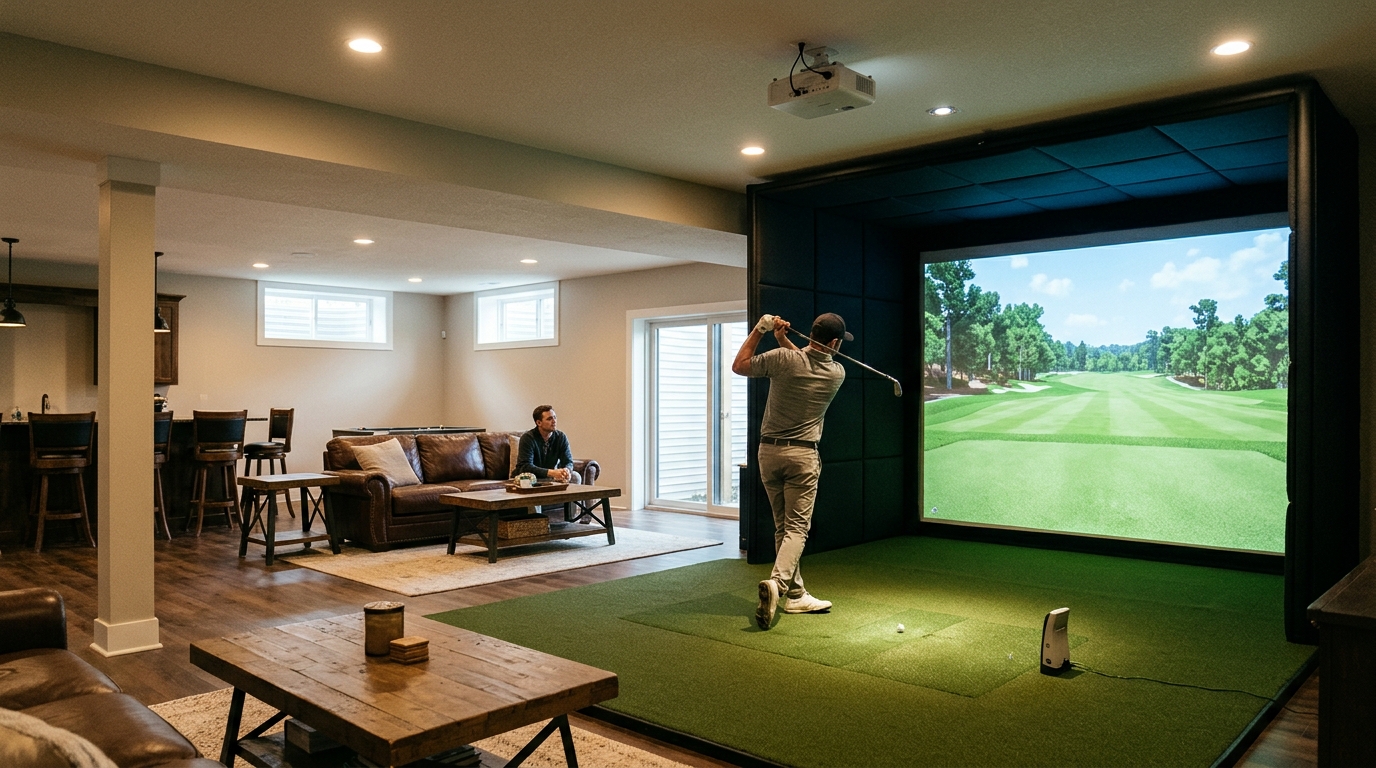
Turnkey Pro Studios and other specialized retailers sell complete indoor golf simulator packages designed for basements and dedicated rooms. These systems integrate launch monitors, short-throw projectors, and safety enclosures to create a year-round practice environment. This guide covers the essential components of a basement simulator, focusing on launch monitor technology, room requirements, and how to build a reliable setup.
Launch Monitors for Indoor Use
A launch monitor is a device that uses radar or high-speed cameras to track the ball and club during a swing. For indoor simulators, accuracy and ceiling height compatibility are the most critical factors. Turnkey Pro Studios offers a range of monitors, including the Foresight GCQuad and the TruGolf APOGEE, which are engineered for precise data capture in confined spaces.
Radar vs. Camera Technology
Radar-based monitors, such as the Foresight GCQuad, use Doppler radar to measure ball speed, spin, and launch angle. These units are highly accurate and work well in low-light conditions typical of basements. Camera-based systems, like the VTrack overhead camera, rely on high-speed imaging to track the ball's trajectory. Both technologies provide the data needed for realistic simulation software.
Accuracy and Data Points
Professional-grade monitors provide detailed metrics including carry distance, total distance, spin axis, and club path. This data allows players to analyze their swing mechanics with the same precision used by tour professionals. When selecting a monitor, ensure it is compatible with your chosen simulation software to guarantee seamless data integration.
Basement Room Requirements
Building a simulator in a basement requires careful planning of dimensions and ceiling height. A standard dedicated room needs a minimum of 10 feet of width, 12 feet of length, and 9 feet of ceiling height for a comfortable swing. Turnkey Pro Studios provides guidance on room measurements to ensure your space can accommodate the specific hardware you choose.
Ceiling Height Considerations
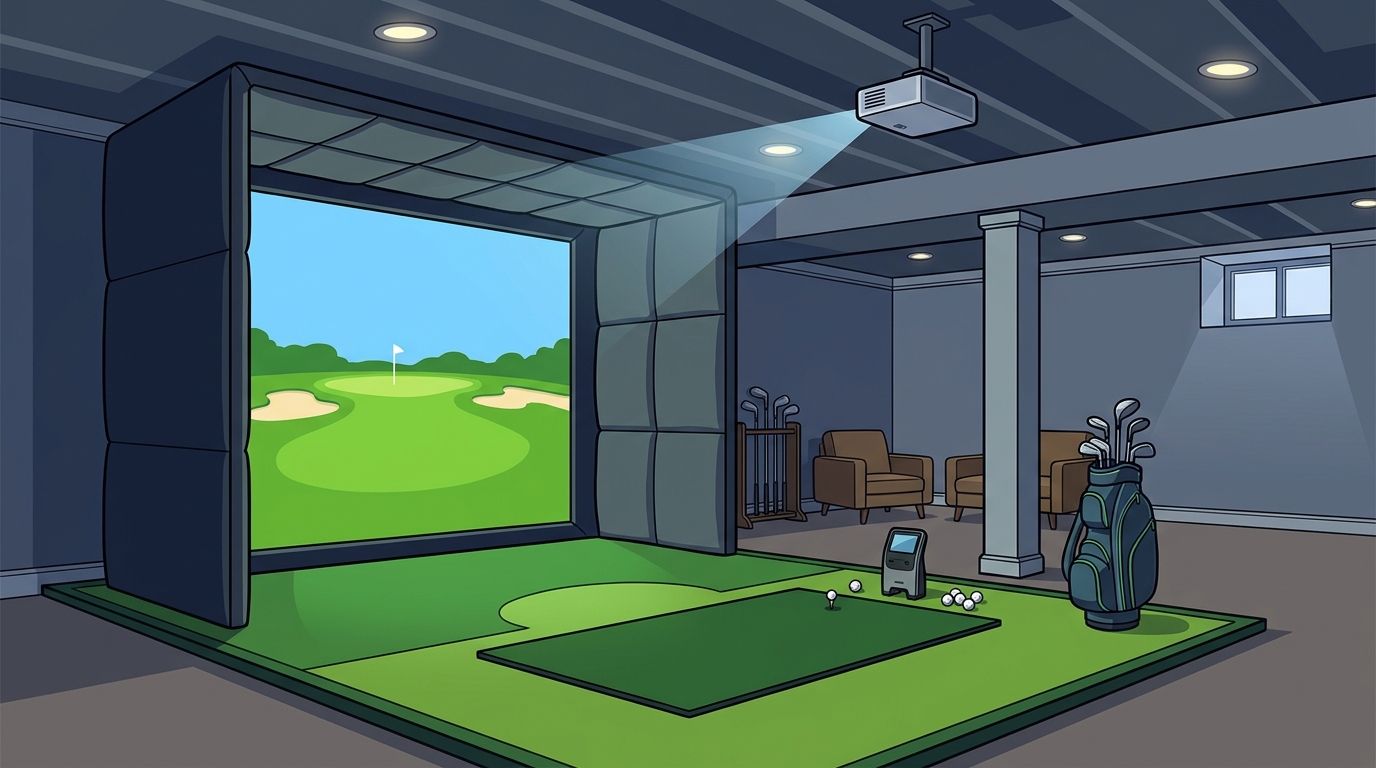
Ceiling height is the most limiting factor in basement installations. Short-throw projectors are designed to work with ceilings as low as 8.5 feet, but higher ceilings allow for larger screen sizes and more realistic visuals. If your basement has a lower ceiling, you may need to select a specific projector model that is optimized for short throw ratios.
Space Optimization
Retractable enclosures are ideal for multi-purpose rooms where you need to clear the space when not playing. These systems allow you to store the screen and padding when the simulator is not in use. For dedicated rooms, built-in enclosures provide a permanent, professional look that maximizes the available square footage for the hitting area.
Safety Enclosures and Screens
A safety enclosure is a padded structure that surrounds the hitting area to protect walls and players from errant shots. In a basement, where walls are often close to the hitting position, a proper enclosure is essential for safety and equipment protection. Turnkey Pro Studios offers various enclosure types, including the Guardian Bay and the MegaStudio Bay, which provide comprehensive coverage.
Retractable vs. Built-In Enclosures
Retractable enclosures, such as the SportScreen Vanish, roll up into a ceiling or wall housing when not in use. This is perfect for basements that double as family rooms or gyms. Built-in enclosures are fixed structures that provide a permanent home for the simulator. They often include integrated padding and screen mounting systems that create a seamless, professional aesthetic.
Impact Screens and Padding
The impact screen is the surface on which the ball is projected. High-quality screens are made from durable, high-contrast materials that provide a sharp image even in ambient light. Padding systems are attached to the enclosure to absorb the energy of the ball, preventing damage to the screen and surrounding structure. Proper padding is crucial for extending the life of your simulator components.
Short-Throw Projector Options
A short-throw projector is a specialized display device that can project a large image from a very short distance. This technology is critical for indoor simulators because it allows for a large screen size without requiring a long throw distance. Turnkey Pro Studios carries laser projectors from brands like BenQ and Optoma, which are known for their brightness and color accuracy in indoor environments.
Laser vs. LED Projectors
Resolution and Aspect Ratio
4K resolution is the standard for modern golf simulators, providing crisp visuals and detailed course environments. The aspect ratio of the projector must match the screen size to avoid distortion. Most simulators use a 16:9 or 2.35:1 aspect ratio, depending on the screen dimensions. Ensuring the projector and screen are compatible is a key step in the installation process.
Simulator Component Comparison
The following table summarizes the key components available for building an indoor golf simulator. These options represent the types of hardware that can be configured into a complete system.
| Component Type | Example Product | Key Feature | Best For |
|---|---|---|---|
| Launch Monitor | Foresight GCQuad | Radar-based accuracy | Professional data analysis |
| Launch Monitor | TruGolf APOGEE | Overhead camera system | Low ceiling installations |
| Enclosure | Guardian Bay | Flush-to-wall safety | Dedicated rooms |
| Enclosure | SportScreen Vanish | Retractable design | Multi-purpose basements |
| Projector | BenQ LK830ST | 4K Laser, 4000 Lumens | Garage and basement use |
| Hitting Mat | Holy Grail 4' x 9' | Dual-sided turf | Right and left-handed players |
Key Takeaways
- Turnkey Pro Studios provides complete simulator packages that eliminate compatibility guesswork.
- Launch monitors are the core data engine of any indoor simulator, with radar and camera options available.
- Basement ceiling height is the primary constraint, making short-throw projectors essential.
- Retractable enclosures are ideal for multi-purpose rooms, while built-in bays suit dedicated spaces.
- Proper safety padding is critical to protect both the player and the equipment.
- Configuring a system with pre-vetted components ensures a seamless installation experience.
Frequently Asked Questions
What is the minimum ceiling height for a golf simulator?
The minimum ceiling height for a golf simulator is typically 8.5 feet for short-throw projector setups. However, 9 feet or more is recommended for a more comfortable swing and larger screen size. Turnkey Pro Studios can help you determine the best hardware for your specific ceiling height.
Can I use a golf simulator in a basement with low ceilings?
What is the difference between a radar and camera launch monitor?
A radar launch monitor uses Doppler radar to track the ball, while a camera launch monitor uses high-speed cameras. Radar monitors are generally more accurate in low-light conditions, while camera monitors can provide detailed club face data. Both technologies are suitable for indoor simulators.
Do I need a dedicated room for a golf simulator?
You do not need a dedicated room if you choose a retractable enclosure. These systems allow you to store the screen and padding when not in use, making them ideal for multi-purpose basements. However, a dedicated room allows for a more permanent and professional installation.
How much space do I need for a golf simulator?
A standard golf simulator requires a minimum of 10 feet of width, 12 feet of length, and 9 feet of ceiling height. The exact space requirements depend on the specific components you choose. Turnkey Pro Studios provides room measurement guides to help you plan your installation.
What is the best projector for a basement golf simulator?
The best projector for a basement golf simulator is a short-throw laser projector with high brightness. Laser projectors offer better contrast and longevity than LED projectors, making them ideal for indoor use. Brands like BenQ and Optoma offer models specifically designed for golf simulators.
Conclusion
Building an indoor golf simulator for a basement or dedicated room is a rewarding investment that allows for year-round practice. By selecting the right launch monitor, projector, and enclosure, you can create a professional-grade environment in your home. Turnkey Pro Studios simplifies this process by offering pre-vetted, compatible components and expert guidance. To start building your custom simulator, build your own golf simulator today and experience the precision of professional simulation in your own space. Learn more: Our company.