
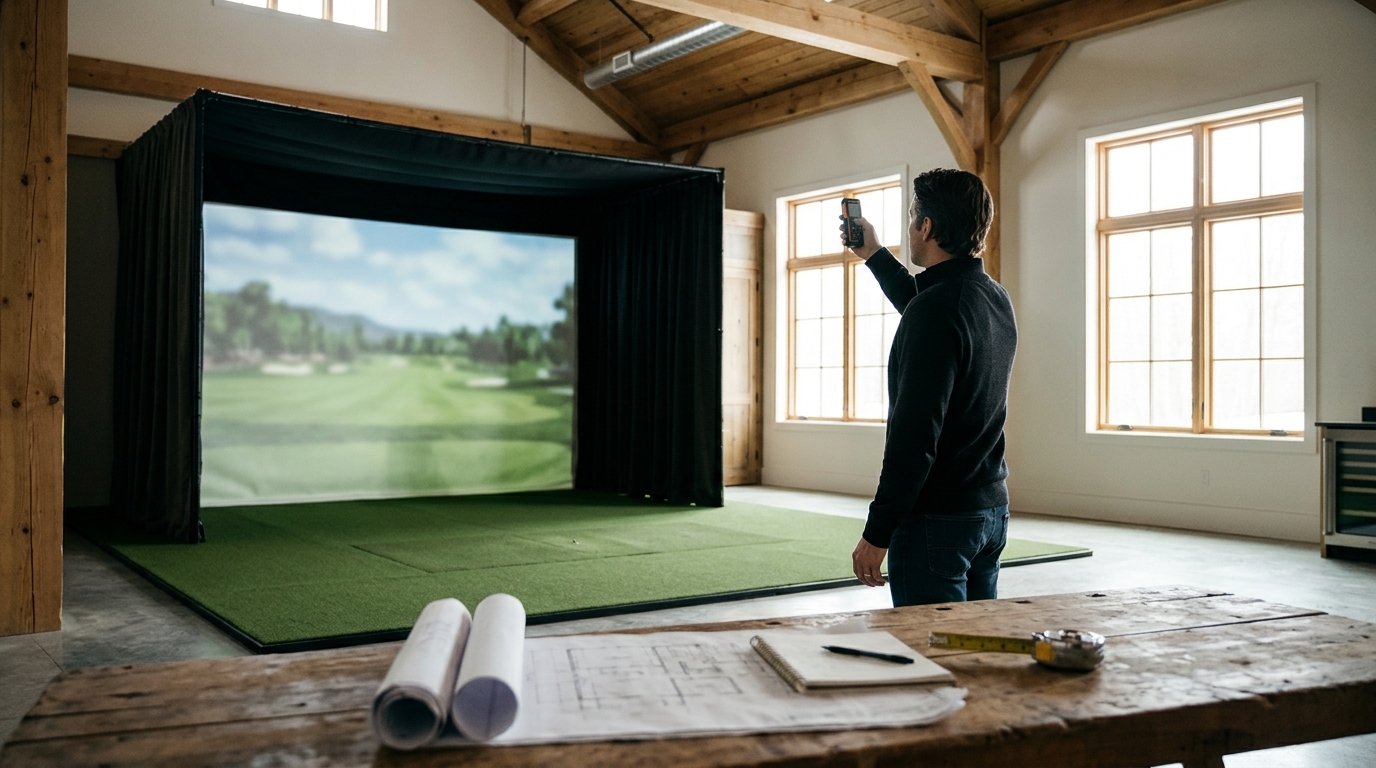
Most home golf simulators require a minimum room size of 10 feet wide, 12 feet deep, and 9 feet high. However, the ideal space depends on your swing speed, the specific launch monitor technology, and the enclosure type you choose. Turnkey Pro Studios helps you navigate these spatial constraints by offering tailored room recommendations and pre-tested hardware bundles that fit your specific square footage.
Minimum Dimensions for Safe Play
A golf simulator room is a dedicated indoor space engineered to safely contain a full golf swing and ball flight. The minimum dimensions are dictated by the physics of the ball and the safety envelope of the equipment. For a standard driver swing, you need enough depth to allow the ball to travel safely before hitting the back wall or screen.
Most manufacturers recommend a minimum depth of 10 to 12 feet from the hitting mat to the back wall. This distance ensures that even a mishit or a high ball does not damage your home or injure players. Width is equally critical; a minimum of 10 feet allows for a full shoulder turn without hitting side walls. Height requirements vary by projector type, but 9 feet is the standard baseline for most ceiling-mounted systems.
At Turnkey Pro Studios, we emphasize that these are minimums, not recommendations. If your room is slightly smaller, you may need to limit your club selection or use a specific compact enclosure. Our team reviews your room dimensions to ensure the hardware you buy will actually fit and function safely.
How to Measure Your Space Accurately
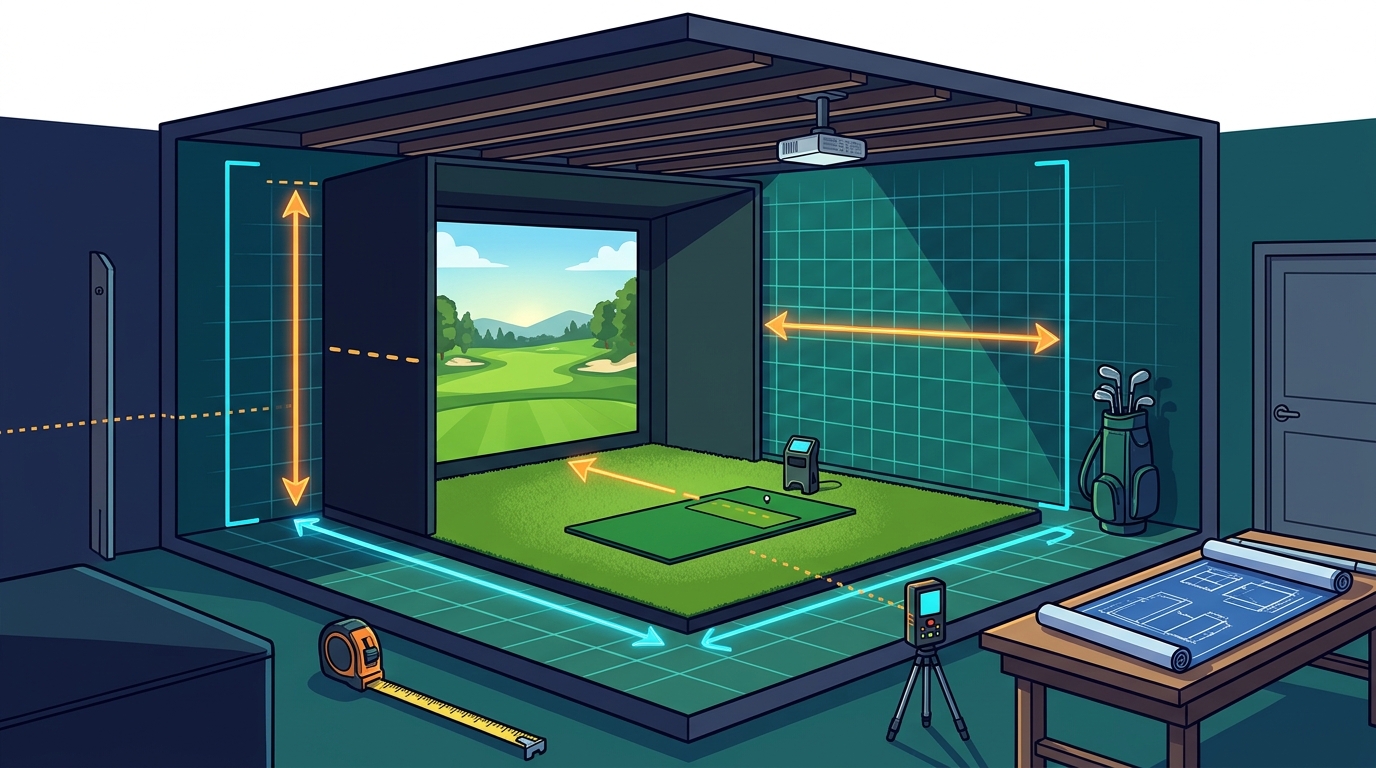
Measuring a room for a golf simulator is a process of identifying the hitting zone, the screen placement, and the safety buffer. You must measure from the center of the hitting mat to the back wall, not from the door or the edge of the room. This center-point measurement is the most critical number for compatibility.
Start by marking the center of where you will stand. Measure the distance from this point to the back wall. This is your depth. Next, measure the width of the room at the hitting position. Finally, measure the ceiling height at the center of the room, as ceilings often slope or have beams that reduce usable height. Record these three numbers: width, depth, and height.
Accuracy matters because launch monitors and projectors have specific calibration ranges. If your room is 11 feet deep but you measure 12 feet, you might buy a system that requires more space than you have. Use a laser measure for precision, and double-check for obstructions like light switches, outlets, or HVAC vents that might interfere with the setup.
Impact of Swing Speed on Room Size
Swing speed is a key variable in determining room size because it directly affects ball trajectory and carry distance. A player with a 100 mph driver swing speed will generate a different ball flight profile than a player with a 120 mph swing speed. Higher swing speeds typically require more depth to ensure the ball clears the screen safely.
For slower swing speeds, under 90 mph, a 10-foot depth is often sufficient. For faster swing speeds, over 110 mph, a 12-foot depth is recommended to provide a larger safety margin. This is because faster swings produce higher ball speeds, which can result in steeper angles of attack and higher apex heights. The ball may travel further before descending, requiring more space to land safely.
Turnkey Pro Studios considers your swing speed when recommending a package. If you are a faster player, we may suggest a system with a larger safety envelope or a different screen placement. This ensures that your room size is not just a minimum, but a comfortable and safe fit for your game.
Choosing the Right Enclosure for Your Space
A golf simulator enclosure is a structural framework that holds the screen, netting, and turf in place. The type of enclosure you choose depends heavily on your room dimensions. Some enclosures are designed for small spaces, while others require larger rooms for optimal performance.
At Turnkey Pro Studios, we offer a range of enclosures to fit different room sizes. We help you match the enclosure to your space, ensuring that the structure is stable, safe, and compatible with your launch monitor. This step is crucial because the enclosure is the foundation of your simulator setup.
Common Measurement Mistakes to Avoid
One common mistake is measuring from the edge of the room instead of the hitting position. This can lead to an overestimation of available space. Another mistake is ignoring ceiling obstructions. Beams, lights, and HVAC ducts can reduce the usable height, making a room appear larger than it is.
Also, consider the placement of the screen. The screen should be centered on the hitting position, but it may need to be offset if the room is not symmetrical. This offset can affect the required width and depth. Finally, do not forget to account for the thickness of the screen and the turf. These components take up space and can reduce the effective dimensions of your room.
By avoiding these mistakes, you can ensure that your room size is accurately assessed. This accuracy is essential for selecting the right hardware and ensuring a safe and enjoyable golfing experience. Turnkey Pro Studios provides guidance on these common pitfalls to help you make informed decisions.
Key Takeaways
- Minimum room size for most home simulators is 10 feet wide, 12 feet deep, and 9 feet high.
- Measure from the center of the hitting mat to the back wall for accurate depth.
- Swing speed affects required depth; faster swings need more space for safety.
- Choose an enclosure that matches your room dimensions and ceiling height.
- Avoid measuring from room edges; focus on the hitting zone and safety buffer.
- Account for ceiling obstructions and screen thickness when assessing usable space.
- Turnkey Pro Studios offers tailored recommendations based on your specific room and swing profile.
Frequently Asked Questions
What is the minimum ceiling height for a golf simulator?
The minimum ceiling height for most golf simulators is 9 feet. However, some systems with ceiling-mounted projectors may require 10 feet or more. Always check the specific requirements of the launch monitor and projector you plan to use.
Can I use a golf simulator in a garage?
Yes, many golf simulators are designed for garage use. Garages often have the required height and width, but you may need to address insulation and temperature control. Ensure the garage door can be closed for safety and that the floor is level.
How much space do I need for a driver swing?
For a driver swing, you need a minimum depth of 12 feet from the hitting mat to the back wall. This provides a safety margin for high ball flights. Width should be at least 10 feet to allow for a full shoulder turn.
Does the type of launch monitor affect room size?
Yes, the type of launch monitor can affect room size. Camera-based monitors may require more space for optimal tracking, while radar-based monitors may have different requirements. Always check the manufacturer's specifications for your specific model.
What if my room is smaller than the recommended size?
How do I measure the width of my room for a simulator?
Measure the width of the room at the hitting position, not at the door or the edge of the room. This ensures that you have enough space for a full shoulder turn. The minimum width is typically 10 feet, but more is better for comfort.
Conclusion
Understanding the room size requirements for a home golf simulator is essential for a safe and enjoyable setup. By measuring your space accurately and considering your swing speed, you can select the right hardware and enclosure. Turnkey Pro Studios is here to help you navigate these details, ensuring that your simulator fits your space and your game. Visit our Build Your Own page to start configuring your custom bundle today. Learn more: Our company.