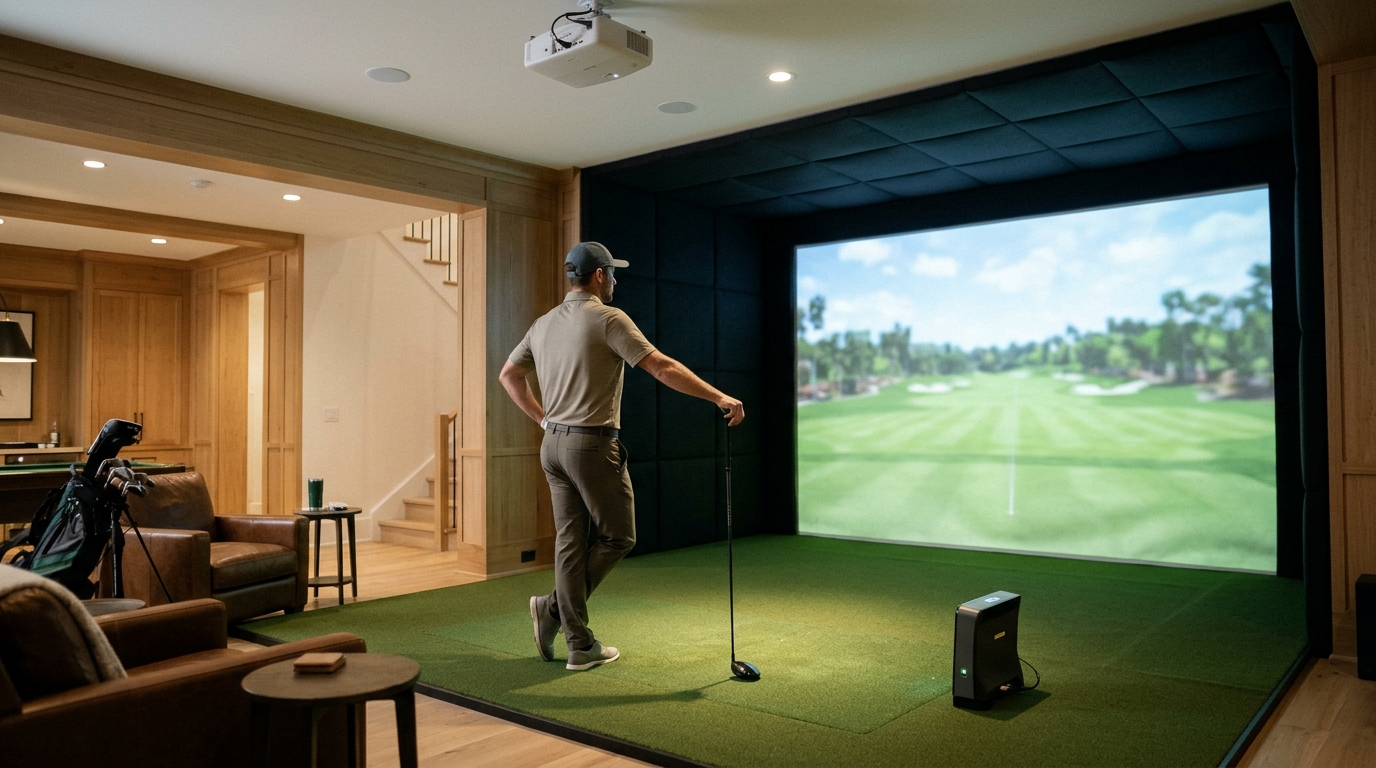
Before purchasing a Foresight Sports simulator for your home golf room, you must verify your ceiling height, confirm launch monitor compatibility, and select an impact screen that matches your swing speed. Turnkey Pro Studios specializes in integrating these high-precision systems into residential spaces, ensuring that your hardware functions as a cohesive unit rather than a collection of mismatched parts. Proper planning prevents costly installation errors and maximizes the accuracy of your swing data.
Understanding Launch Monitor Precision
Foresight Sports is a leader in golf technology, known for its high-fidelity data capture. A launch monitor is a device that uses radar or optical sensors to measure ball speed, launch angle, and spin rates. The company offers distinct product lines, such as the GC series and the Zephyr, each serving different user needs. The GC series is often preferred for its detailed shot dispersion data, while the Zephyr offers a more compact form factor for smaller rooms. Understanding the specific metrics you need is critical. If you are a serious player looking to track subtle changes in your swing plane, the advanced data sets provided by these monitors are essential. However, you must ensure the monitor you choose fits your specific room dimensions and lighting conditions.
Room Dimensions and Ceiling Height
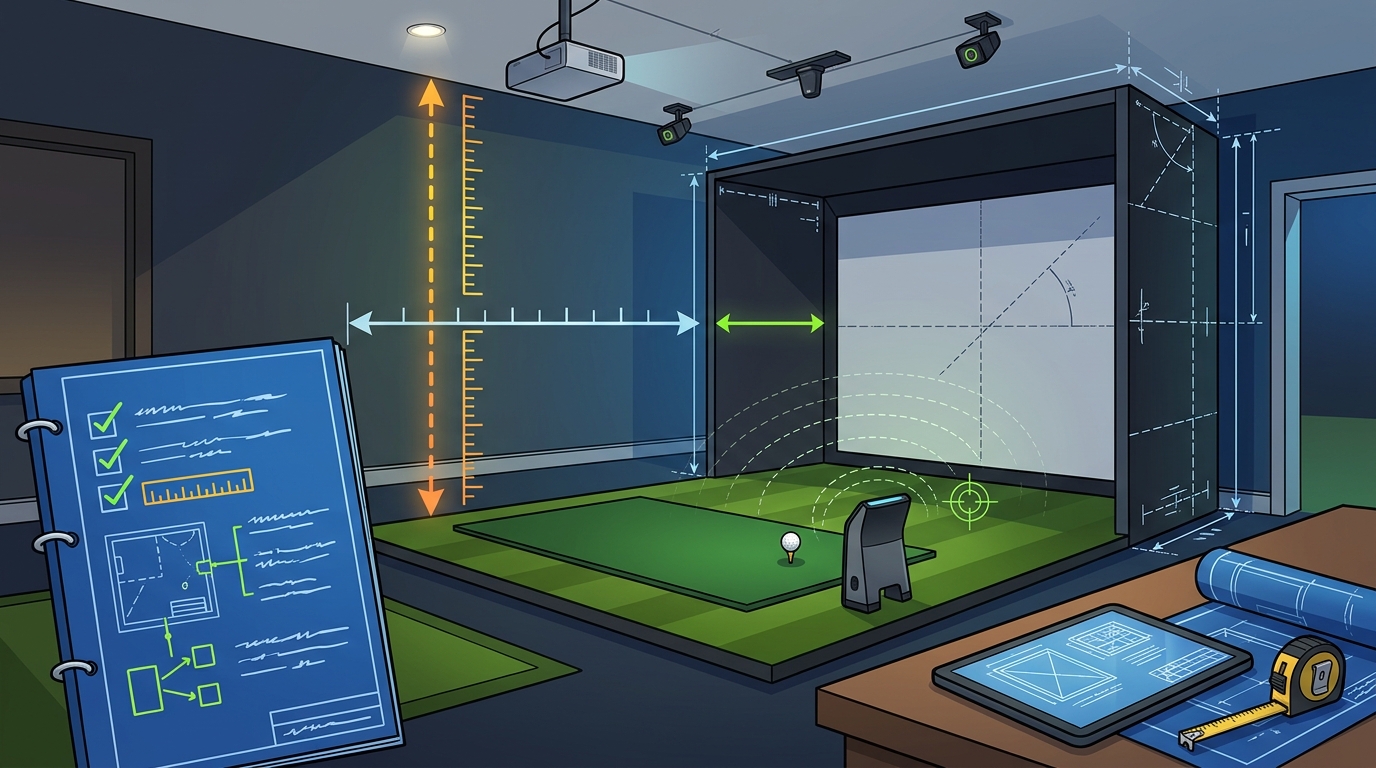
Space constraints are the primary barrier for many home golfers. A golf simulator is a system that requires specific clearances to function safely and accurately. Most Foresight Sports setups require a minimum ceiling height of 8.5 to 9 feet for full-length swings. If your ceiling is lower, you may need to consider a shorter swing or a different mounting configuration. Width is equally important. You need at least 9 to 10 feet of width to accommodate a standard impact screen and safety netting. Turnkey Pro Studios offers various enclosure options, including built-in and retractable systems, to help you maximize your available space. Measuring your room before buying is non-negotiable. A misfit screen or monitor can compromise data accuracy and pose safety risks.
Impact Screen and Projection Quality
Software Ecosystem and Compatibility
Hardware is only half the equation. The software ecosystem is the platform that renders the virtual golf courses and processes your launch monitor data. Foresight Sports uses its own simulation software, which integrates seamlessly with their hardware. This software allows you to play a wide variety of courses and practice on specific ranges. Compatibility is key. You must ensure that your computer meets the minimum system requirements for the simulation software. A gaming computer is a dedicated machine optimized for running high-performance graphics and simulation applications. Using a standard office laptop may result in lag or poor image quality. Turnkey Pro Studios provides pre-configured gaming computers that are tested for compatibility with Foresight Sports systems, saving you the trouble of troubleshooting hardware conflicts.
Installation and Safety Considerations
Installing a golf simulator is a technical process that requires attention to detail. A golf simulator is a complete system that includes a launch monitor, screen, enclosure, and software. Safety is paramount. You must install safety netting to protect your walls and ceiling from errant shots. The mounting of the launch monitor must be precise to ensure accurate tracking. Turnkey Pro Studios provides full-cycle support, from pre-purchase layout checks to post-delivery install support. This guidance helps you avoid common installation mistakes, such as improper monitor height or screen tension. Following the manufacturer's instructions and seeking professional advice when needed ensures a safe and functional setup.
Key Takeaways
- Verify your ceiling height and room width before selecting a Foresight Sports model.
- Choose a launch monitor that matches your skill level and data needs.
- Select an impact screen and projector combination that suits your room's lighting.
- Ensure your computer meets the software requirements for smooth performance.
- Install safety netting to protect your home and ensure safe play.
Frequently Asked Questions
What is the minimum ceiling height for a Foresight Sports simulator?
Most Foresight Sports simulators require a minimum ceiling height of 8.5 to 9 feet for full-length swings. Lower ceilings may require shorter swings or specific mounting configurations.
Can I use a Foresight Sports launch monitor with third-party software?
Foresight Sports launch monitors are designed to work best with their own simulation software. While some third-party integrations may exist, using the native software ensures the most accurate data and visual experience.
What type of screen is best for a home golf simulator?
A multi-layer impact screen is recommended for home use. These screens are quieter, more durable, and provide a better projection surface than single-layer options.
Do I need a gaming computer for a golf simulator?
Yes, a gaming computer is recommended. It ensures that the simulation software runs smoothly and that the graphics are rendered at high quality without lag.
How much space do I need for a Foresight Sports simulator?
You need at least 9 to 10 feet of width and 8.5 to 9 feet of ceiling height. The exact requirements depend on the specific model and your swing length.
Start Your Build with Confidence
Building a home golf room with Foresight Sports technology is a significant investment in your game. By understanding the critical factors of room dimensions, hardware compatibility, and software requirements, you can avoid common pitfalls and create a functional, high-performance space. Turnkey Pro Studios is here to guide you through every step of the process. To plan your visit and discuss your specific room layout, contact our team for a tailored recommendation.