
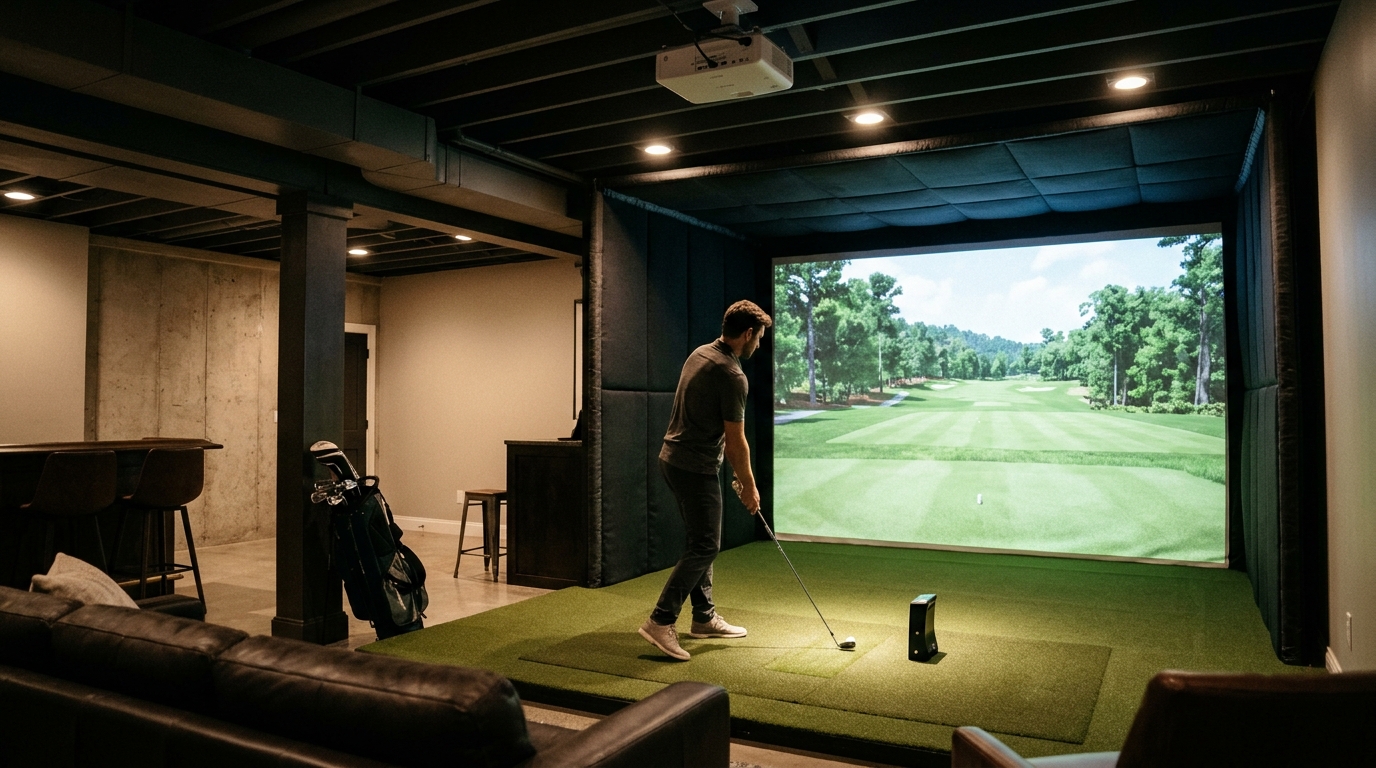
Choosing the right launch monitor for a basement golf simulator requires balancing ceiling height, lighting conditions, and tracking technology. You need a device that delivers accurate ball and club data without requiring excessive space or complex installation. Turnkey Pro Studios specializes in integrating these systems into residential and commercial spaces, ensuring your setup functions reliably in low-light environments. This guide breaks down the critical factors you must evaluate before purchasing hardware for your indoor bay.
Understanding Tracking Technologies
High-speed camera systems are another common approach. This technology is a method that uses multiple cameras to track the ball and club head in real-time. Camera-based systems often provide more detailed club data, such as face angle and attack angle. They typically require less space than radar units but are more sensitive to lighting. In a basement, you must control ambient light to prevent interference with the cameras. Build your own simulator options allow you to select specific camera-based monitors that fit your room constraints.
Space and Ceiling Height Constraints
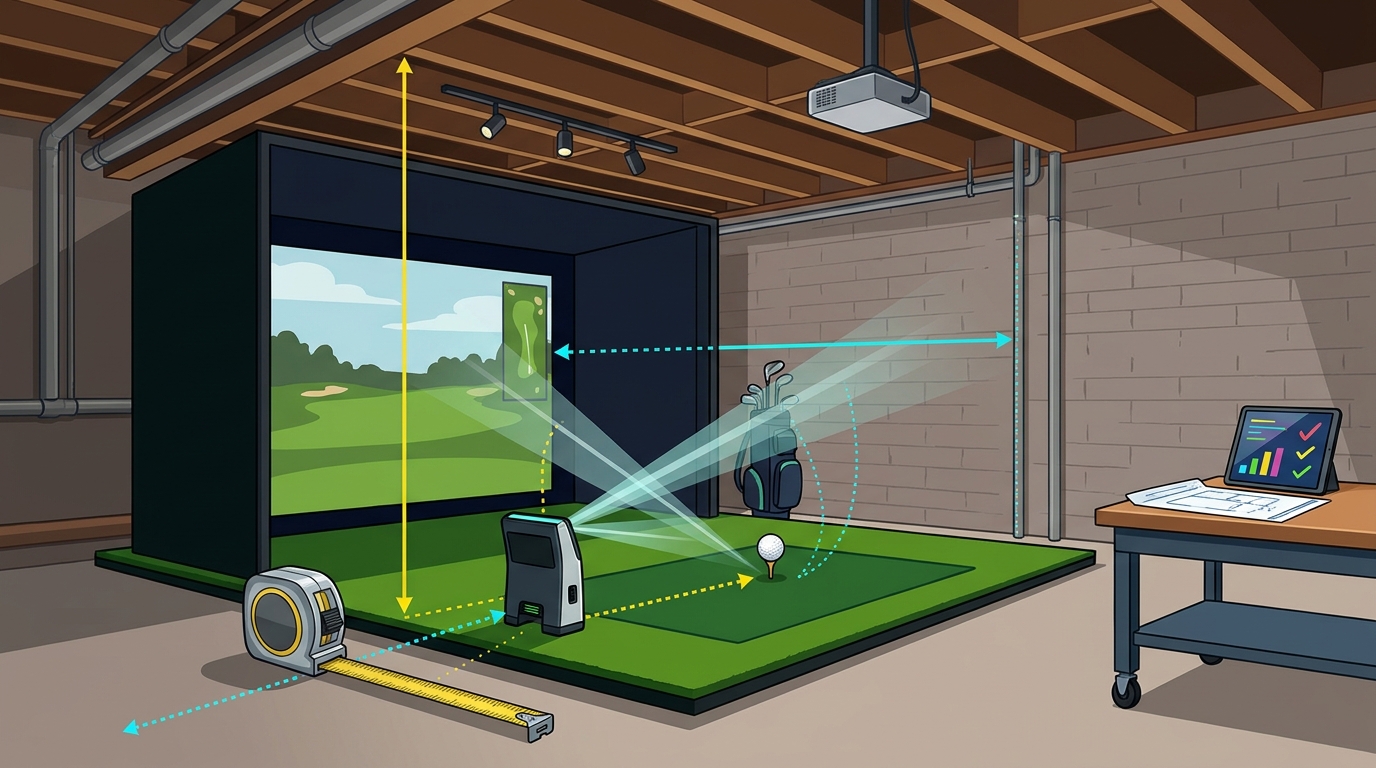
Basements often have lower ceilings than dedicated garages or studios. You must verify the minimum ceiling height required by your chosen launch monitor. Most high-end systems require at least 8 to 9 feet of clearance. If your ceiling is lower, you may need a compact unit or a specific mounting solution. Turnkey Pro Studios offers enclosures like the Wedge Bay, designed for low ceilings, which can house compatible launch monitors.
Placement is also critical. The monitor must have a clear line of sight to the ball and club. Obstacles such as pipes, beams, or storage items can block the tracking path. You should map out your room layout before buying hardware. Ensure the monitor sits on a stable surface or is securely mounted to the ceiling or wall. A stable platform prevents data errors caused by vibration or movement during the swing.
Lighting and Environmental Factors
Lighting is the biggest challenge for camera-based launch monitors in basements. These systems rely on consistent illumination to track the ball. Direct sunlight or harsh overhead lights can create glare or shadows that confuse the sensors. You should use dim, even lighting or dedicated simulator lighting kits. Avoid placing the monitor in a corner where shadows are likely to form. Check our setup guides for specific lighting recommendations for different monitor brands.
Temperature and humidity also affect hardware performance. Electronics can overheat in poorly ventilated spaces. Ensure your basement has adequate airflow around the monitor and computer. Dust and debris can accumulate on camera lenses, reducing accuracy over time. Regular cleaning is essential for maintaining data integrity. A clean environment ensures your launch monitor continues to provide reliable feedback for your practice sessions.
Software Compatibility and Data Metrics
The hardware is only half the equation. You need software that displays the data in a useful way. Simulation software is a program that renders virtual courses and provides real-time feedback on your shots. It must be compatible with your specific launch monitor. Some monitors work with multiple software platforms, while others are locked to a single ecosystem. Consider which features you value most, such as course realism, multiplayer capabilities, or detailed swing analysis.
Look for monitors that provide a wide range of metrics. Ball speed, carry distance, and launch angle are basic. Advanced units track club head speed, smash factor, and dynamic loft. These details help you diagnose swing flaws. Overhead simulator suites often include advanced tracking chips that deliver up to 42 real-time metrics. This level of detail is invaluable for serious players and coaches. Ensure the software interface is intuitive and easy to navigate during a round.
Choosing the Right Partner for Installation
Installing a launch monitor in a basement is not a simple plug-and-play task. It requires precise alignment and calibration. A professional installer can ensure the monitor is positioned correctly for your specific room dimensions. They can also integrate the monitor with your screen, projector, and computer. Contact our team to discuss your space and get a tailored recommendation. We guide you through the entire process, from pre-purchase layout checks to post-delivery support.
Working with a specialist saves time and prevents costly mistakes. They understand the nuances of different brands and models. They can advise on the best combination of hardware for your budget and goals. Learn about our company to see how we approach custom builds. Our goal is to make pro-grade simulation straightforward and accessible for your home or business.
Key Takeaways
- Verify ceiling height and room dimensions before selecting a launch monitor.
- Control lighting to ensure camera-based systems track accurately in basements.
- Choose a monitor that provides the specific data metrics you need for improvement.
- Ensure software compatibility between your launch monitor and simulation platform.
- Consider professional installation for precise alignment and calibration.
- Regular maintenance, including lens cleaning, is essential for long-term accuracy.
Frequently Asked Questions
What is the minimum ceiling height for a launch monitor?
Most high-end launch monitors require a minimum ceiling height of 8 to 9 feet. Compact models may work in lower spaces, but you must verify the specific requirements of the unit you choose. Measure your basement ceiling carefully before purchasing.
Do launch monitors work in the dark?
Camera-based monitors require some light to function, but they work best in dim, even lighting. Radar-based monitors work in the dark but may require specific placement. Avoid direct sunlight or harsh overhead lights that create shadows.
How accurate are launch monitors in a basement?
Launch monitors are highly accurate when installed correctly. Environmental factors like lighting and obstacles can affect accuracy. Professional installation ensures the monitor is calibrated for your specific space.
Can I use a launch monitor without a screen?
Yes, you can use a launch monitor without a screen for practice. The monitor provides data on your shots, which you can view on a tablet or computer. A screen is only needed if you want to play virtual courses.
How often should I clean my launch monitor?
Clean the camera lenses and sensors regularly, especially in dusty environments like basements. Dust can reduce tracking accuracy. Use a soft, lint-free cloth to wipe the lenses gently.
Is professional installation necessary?
Professional installation is recommended for optimal performance. It ensures the monitor is aligned correctly and integrated with your other equipment. It also helps you avoid common setup mistakes.
Start Your Build Today
Building a basement golf simulator is a significant investment in your game. Choosing the right launch monitor is the first step. Contact Turnkey Pro Studios to get expert advice on the best hardware for your space. We are here to help you create a pro-grade studio that fits your room and budget.